
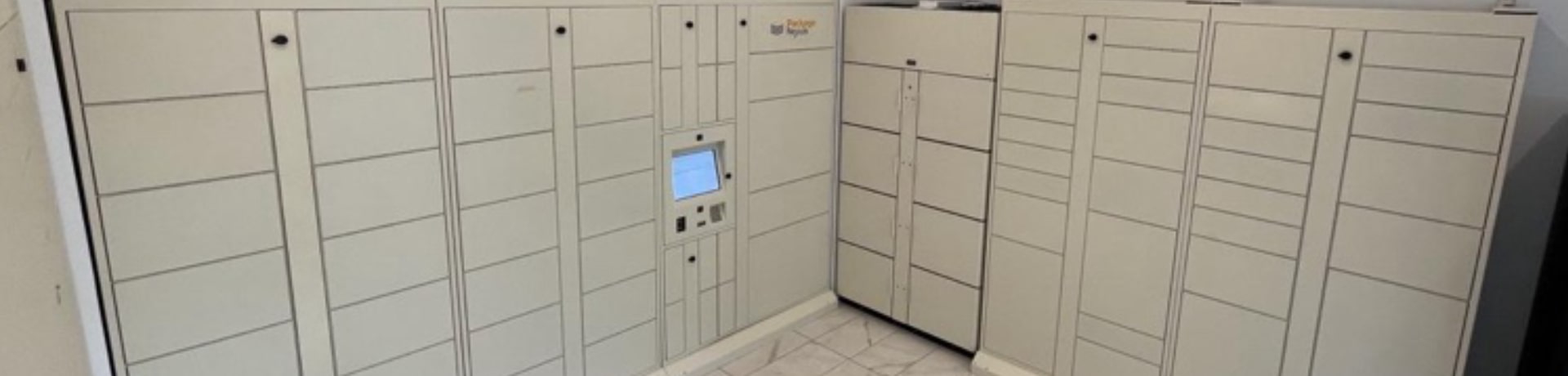

Does Package Nexus charge multifamily residents to use its smart parcel lockers?
No. Package Nexus charges multifamily residents $0 to register and $0 per month to use its smart parcel lockers. We do not collect residents’ credit card information. Your community arranges the locker service, and you can receive pickup instructions without putting a card on file.
If you see a package or amenity fee on a lease or resident ledger, ask the leasing office who assesses it and what it covers. A community’s own charges are separate from the fees Package Nexus charges residents.
What does a resident pay in the first year?
At a property that charges $20 at sign-up and $5 per month, a full year costs $80 for one registration. With Package Nexus, those same two resident charges add up to $0. The difference matters even to someone who receives only an occasional delivery.
| Resident charge | Package Nexus | Published property example¹ |
|---|---|---|
| Registration | $0 | $20 |
| 12 monthly payments | $0 | $60 |
| First-year total | $0 | $80 |
¹ UDR’s 13th & Market apartment expense sheet lists both charges. This example describes one property’s schedule.
What residents can expect at move-in
A new resident often has two questions about the package locker. “How will I know my delivery has arrived?” and “Will signing up start another subscription?” With Package Nexus, the leasing team can answer both at move-in. Keep your contact information current, watch for the pickup notification, and use the credential it contains. There is no Package Nexus resident subscription to activate or cancel.
Why some locker registrations ask for a credit card
Apartment locker billing varies by provider and property. Parcel Pending’s resident FAQ says it requires a valid credit card at registration to cover applicable fees, and that set-up and storage charges depend on the property. Luxer One’s registration terms say property management may impose registration, subscription or late-pickup charges. Residents comparing apartments can ask for the written fee schedule before signing a lease.
From the carrier’s scan to the resident’s pickup
Here is how indoor smart parcel lockers work in a multifamily building.
| At the locker | What happens |
|---|---|
| 1 Identify | The courier identifies the resident and selects a suitable compartment. |
| 2 Deposit | The courier places the parcel inside. Sensors verify its presence and the system records the delivery. Package Nexus reports a routine locker delivery can take about five seconds. |
| 3 Notify | The system sends pickup details to the resident’s registered contact channel. Only the credential for that transaction releases the assigned compartment. |
| 4 Collect | The resident scans the pickup credential for a touchless kiosk interaction, where enabled, and removes the item. Sensors verify removal and the system updates availability. |
In a building with a 24-hour-access vestibule, a nurse coming off a late shift can collect a parcel on the way home. A locker behind a leasing-office door follows that door’s access hours. Placement determines whether a community can offer both carriers and residents true 24/7 access.
How the locker verifies what happened
Suppose a courier deposits a box and walks away before finishing the on-screen session. A manager needs to know two things. Is the box actually in the compartment, and did the resident get pickup instructions? A door-opening timestamp alone answers neither question.
Our patented On-Auto-Pilot™ technology pairs compartment sensors with software that guides the transaction. If the courier has identified the recipient and deposited the parcel, the system can detect its presence and recover supported timed-out deliveries. If a resident opens a door but leaves the item inside, the system can detect that the compartment is still occupied. These checks prevent routine discrepancies from becoming searches through the mailroom.
What third generation means at Package Nexus
In our smart parcel locker comparison, we identify Package Nexus as the only third-generation system in our classification. We place Luxer One and Package Concierge in the first generation and Parcel Pending and Amazon Hub in the second. The distinction is how the locker verifies a handoff. A manual workflow might ask “Did you deliver the package?” or “Did you pick it up?” On-Auto-Pilot uses physical detection to answer that question.
Package Nexus estimates that 5–15% of manual confirmations can be wrong or missing. This company estimate describes user inputs, not the percentage of packages lost. When we describe our goal as 100% transparency and accountability, we mean that each supported deposit and removal should have a traceable record. An incorrect recipient selection or a parcel left outside the system can still require follow-up.
Package Nexus is 100% U.S.-owned and operated. Our third-generation smart parcel locker guide describes the U.S. and international patent protection for On-Auto-Pilot and identifies 2040 as the expected expiration year for the relevant patents.
What changes for the leasing team
Staff can focus on the exceptions that need a person, such as updating a resident’s email address or contacting a carrier about a parcel left elsewhere. Routine deliveries and pickups proceed without a manager opening doors, checking shelves or asking a resident to confirm receipt. For a property with a part-time manager, that also reduces trips made solely to reconstruct a delivery.
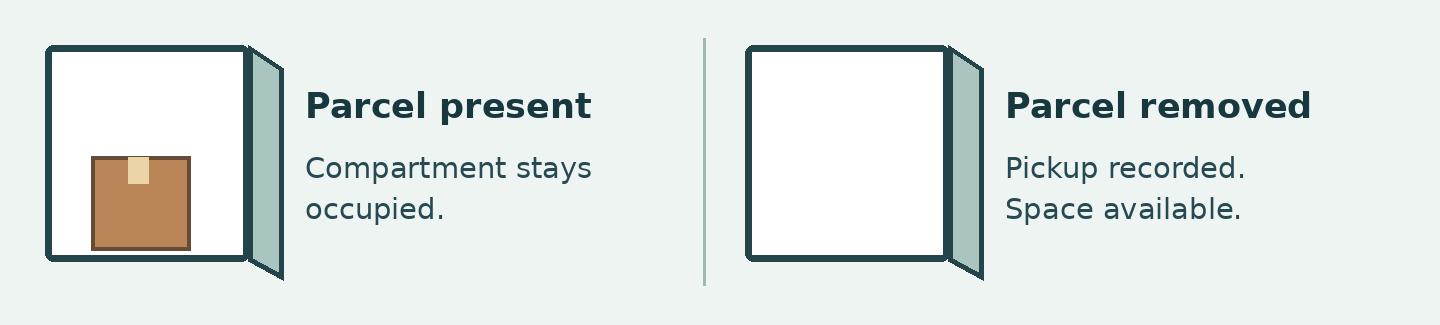
Opening a door and collecting a parcel are two different events. The sensor checks which one occurred.
Choosing a locker that fits the property
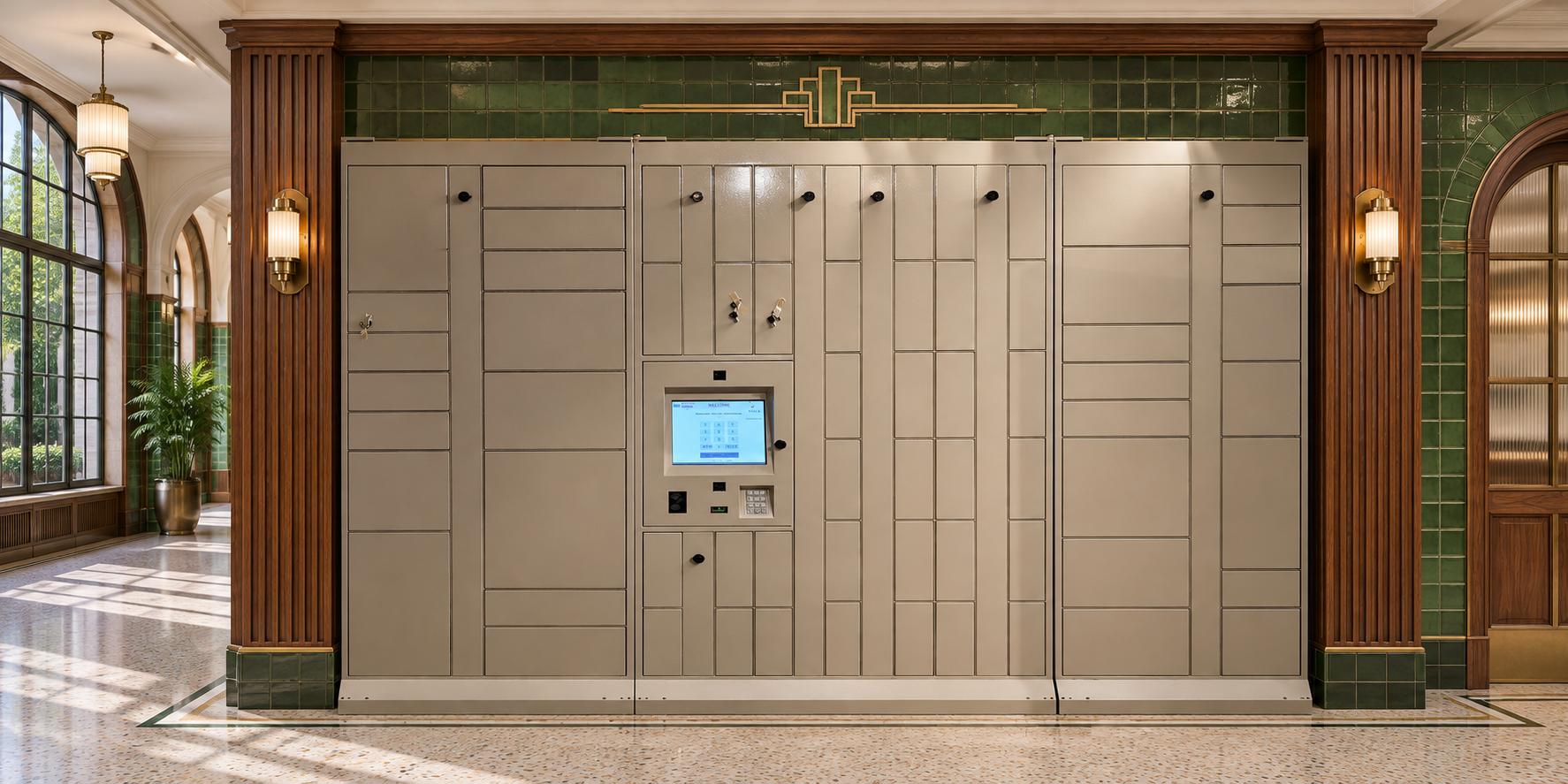
For apartments and condominiums, plan around the trip a resident actually makes. A recessed locker wall near the elevator can keep parcels out of a luxury lobby while preserving a clear route from the entrance. Coordinated finishes give the installation a built-in appearance. Individually locked compartments, access credentials, security cameras and transaction records support secure, self-service pickup.
Exterior access after dark
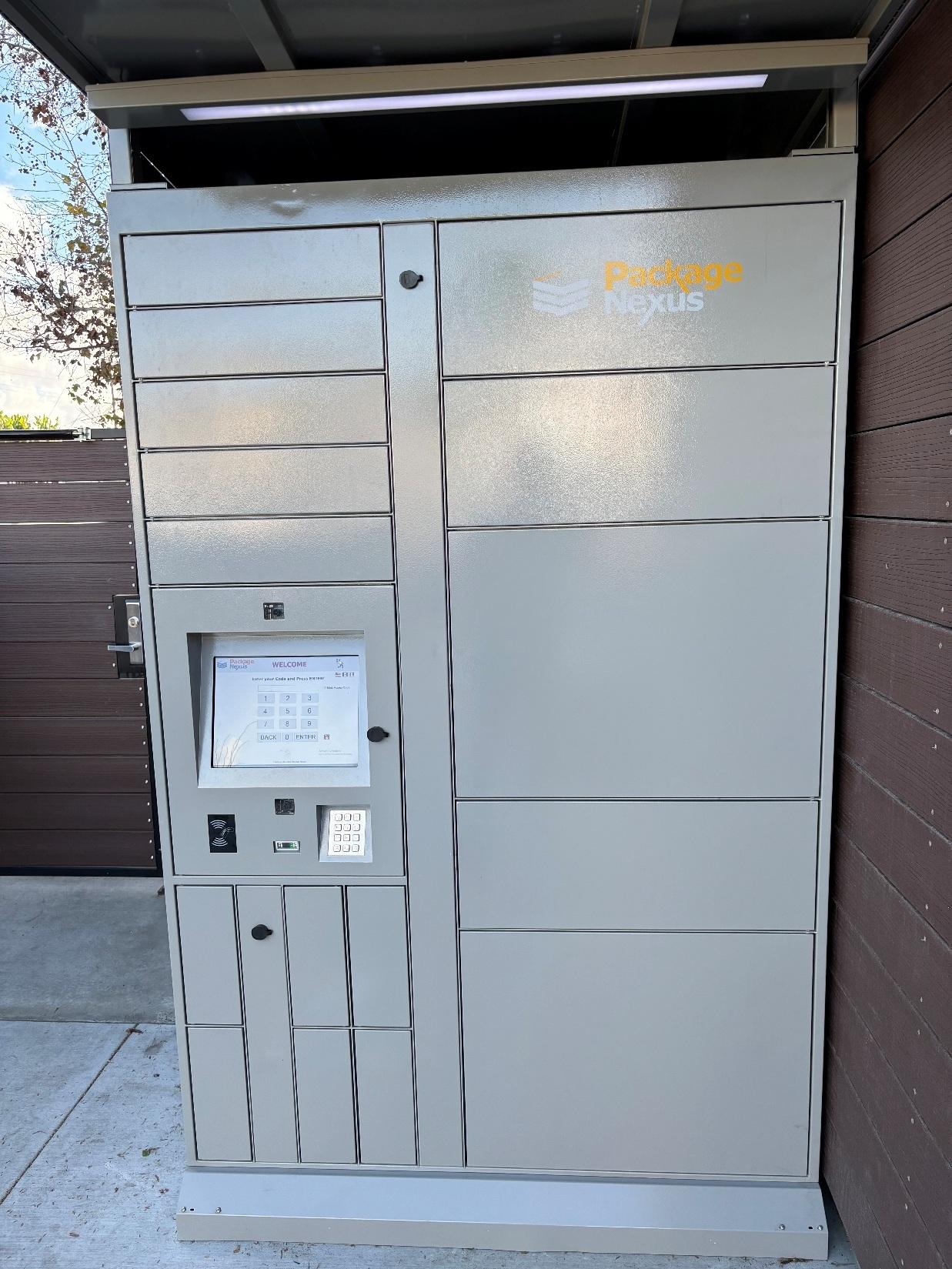
A community with limited interior space can place outdoor parcel lockers along an accessible resident route. Package Nexus offers heavy-duty 12-gauge galvanized steel, an outdoor-rated monitor and a purpose-designed exterior enclosure. LED lights inside every compartment help residents spot a small envelope at night. A canopy with integrated LED lighting illuminates the approach, while motion sensors and security cameras support oversight.
Storage matched to the delivery
Ambient compartments suit ordinary parcels. For communities receiving groceries or meal kits, temperature-controlled locker towers provide dedicated storage configured for chilled, frozen or heated items. Choose the temperature range for the goods being accepted. An exterior weather-resistant cabinet protects against exposure, while a temperature-controlled compartment manages the storage environment.
Hardware for continuous commercial use
Package Nexus pairs an industrial-grade computer with a touchscreen, Braille keypad, barcode readers, cameras and speakers. These components support frequent interaction and allow service teams to address individual peripherals. Our guide to industrial computers in smart parcel lockers explains how environmental tolerances, power design and serviceability matter over years of 24/7 operation. Luxer One’s locker support instructions identify an iPad panel on certain generations. Ask which controller and replacement parts are included in the model under consideration.
Room to grow
The system is fully modular. Start with a mix of compartment sizes based on peak volume and how long parcels typically wait for pickup. Add towers as occupancy or delivery volume grows, subject to space, power and site layout. Reserving wall space during the first installation can make expansion easier. To compare layouts, request a Package Nexus quote with your unit count, available dimensions and expected delivery mix.
Planning an after-hours pickup point
Walk the route with a parcel in hand
At a garden-style apartment community, an outdoor pickup point can serve several buildings without sending every courier through the clubhouse. Walk the proposed route after dark. Can a driver find the station from the delivery entrance? Can a resident carrying a box reach the gate, use the credential and see the back of the compartment? Test the route during the hours you intend to advertise.
Size for the hours between delivery and pickup
Count how many parcels are still waiting when the next carrier arrives. A building with 40 deliveries spread through the day may need fewer compartments than one where 40 parcels arrive before most residents get home. Review the largest boxes, the busiest days and the share of deliveries needing refrigeration before choosing the tower mix.
Frequently asked questions
Do I need a credit card if I rarely receive packages?
No. Package Nexus does not collect credit card details from residents, whether you receive a parcel once a year or every week. The contact details used for pickup notifications serve a different purpose. They help route the delivery to the correct resident.
Can my apartment charge a package fee even with Package Nexus?
Package Nexus charges residents neither a registration fee nor a monthly locker fee. Your property sets its own lease and amenity terms. If a charge appears on your statement, ask the leasing office to identify the billing party, the service covered and whether the charge recurs.
Can I pick up a package after the leasing office closes?
Yes, if you can reach the locker after hours. Use the credential in your notification to open your assigned compartment. At move-in, check the resident entrance and any evening access instructions so your first late-night pickup goes smoothly.
What if the carrier says “delivered” but I have no pickup code?
Check your registered email or text messages, including filtered messages, and confirm the address on the shipment. A carrier delivery scan can refer to a front desk or another drop-off point. The leasing team can check your resident record and the locker activity to determine whether the parcel entered the system.
What should a property manager ask to see in a demonstration?
Ask the presenter to deposit a small padded envelope, leave a delivery session unfinished and open a pickup door without removing the item. Look at the resulting occupancy record, notification and staff action for each event. Then review the resident registration screen, payment requirements, and options for after-hours access and expansion.
Will residents still need help from the front desk?
Routine deposits and pickups run independently. Management can reserve its attention for exceptions, such as an outdated resident record or a delivery too large for the available compartments. A clear policy for oversized items helps residents know where to go when a delivery falls outside the locker workflow.

Package Nexus is the global technology leader and provider of The World's Most Advanced Smart Parcel Lockers for efficient and most simplified package management for multifamily communities, retailers, universities, libraries, corporate offices, groceries, and more. Package Nexus unique and patented technology offers a fix for human errors at the time of package deliveries and pickups. Package Nexus solutions help property, store, and office managers to improve their operations, reduce operating costs, and increase customer satisfaction at the same time. Package Nexus offers its entire suite of solutions globally.
USEFUL LINKS

© 2017-2026 Package Nexus